My name is DaMichael, capital M in the middle, and people spell my name wrong all the time. Damichael. Da Michael. DaMicheal. Plain Michael, which is at least a real name, just not mine. So I should have been the last person to type a contact's name wrong in my own app and then live with it. I did it anyway. For two weeks a man named Stephen sat in Memglow as Steven, because fixing him meant deleting him and starting over, and he had eleven memories attached.
Memglow 1.5.1 fixes that, along with a handful of things that were small right up until they happened to you. Names can be edited, and they sort the way you think about them. Follow ups can reach you in one notification a day. Settings got a real redesign. And a few bugs that cost people actual words are gone.
Names you can fix, sorted the way you think
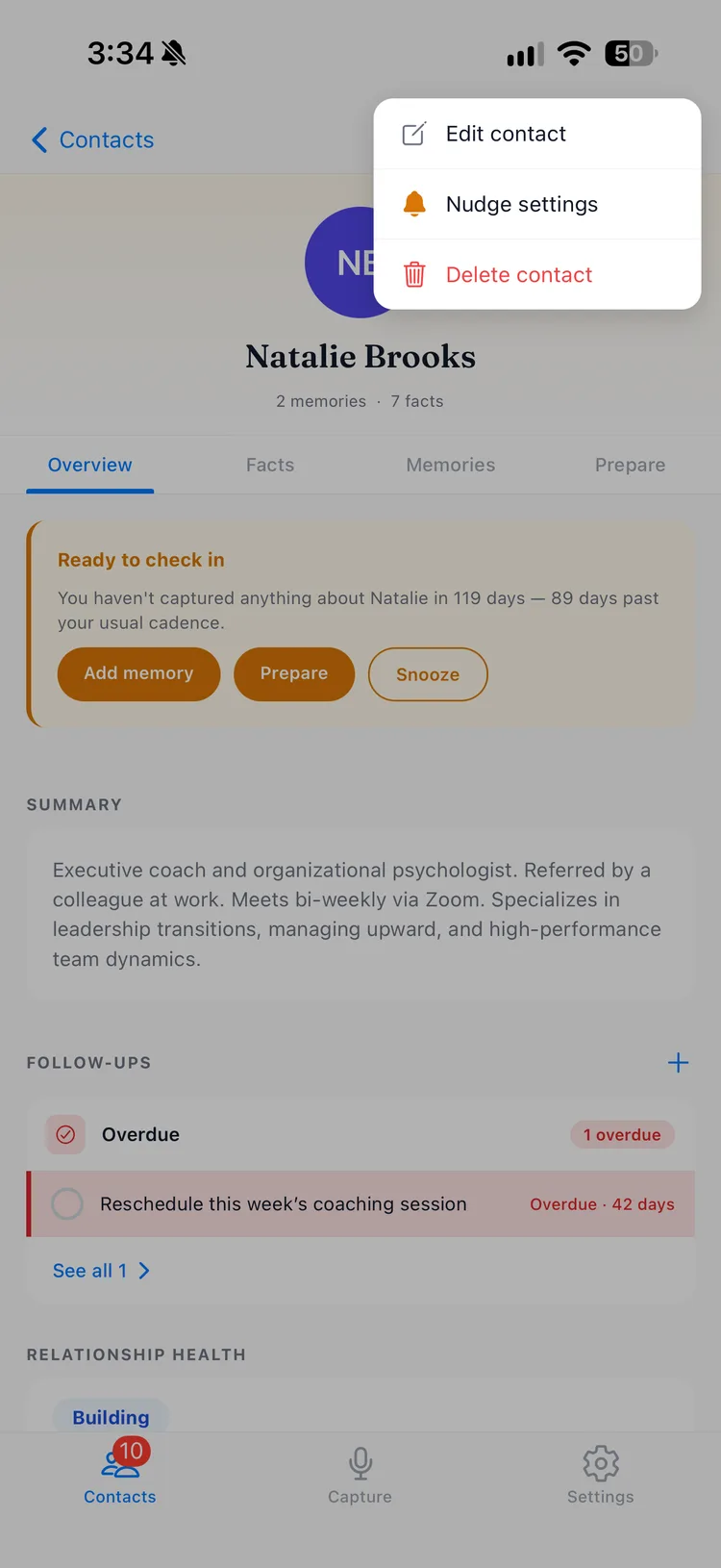
Open any contact, tap the menu in the corner, and choose Edit contact. Fix the typo, add the last name you did not quite catch at the party, trade the nickname for the real thing. Every memory, fact, and follow up stays exactly where it was. Stephen is Stephen now, and he kept all eleven notes.
The other half is Contact Display Order, in Settings. Pick "First Last" or "Last, First," and Memglow writes names that way everywhere and sorts your list by whichever name leads. If you think of your clients as Chen and Rivera rather than Sam and Jordan, the list can finally agree with you.
One notification a day for what you owe people
A follow up is a small promise with a date on it. The new daily follow up reminder gathers everyone with a follow up due or overdue into a single notification, once a day. One glance tells you who is waiting on you. It does not buzz once per person, and on a day when you are caught up, it doesn't buzz at all.
It starts switched off, because I'd rather you invite it than find it. The toggle lives in Settings, and it works on every plan.
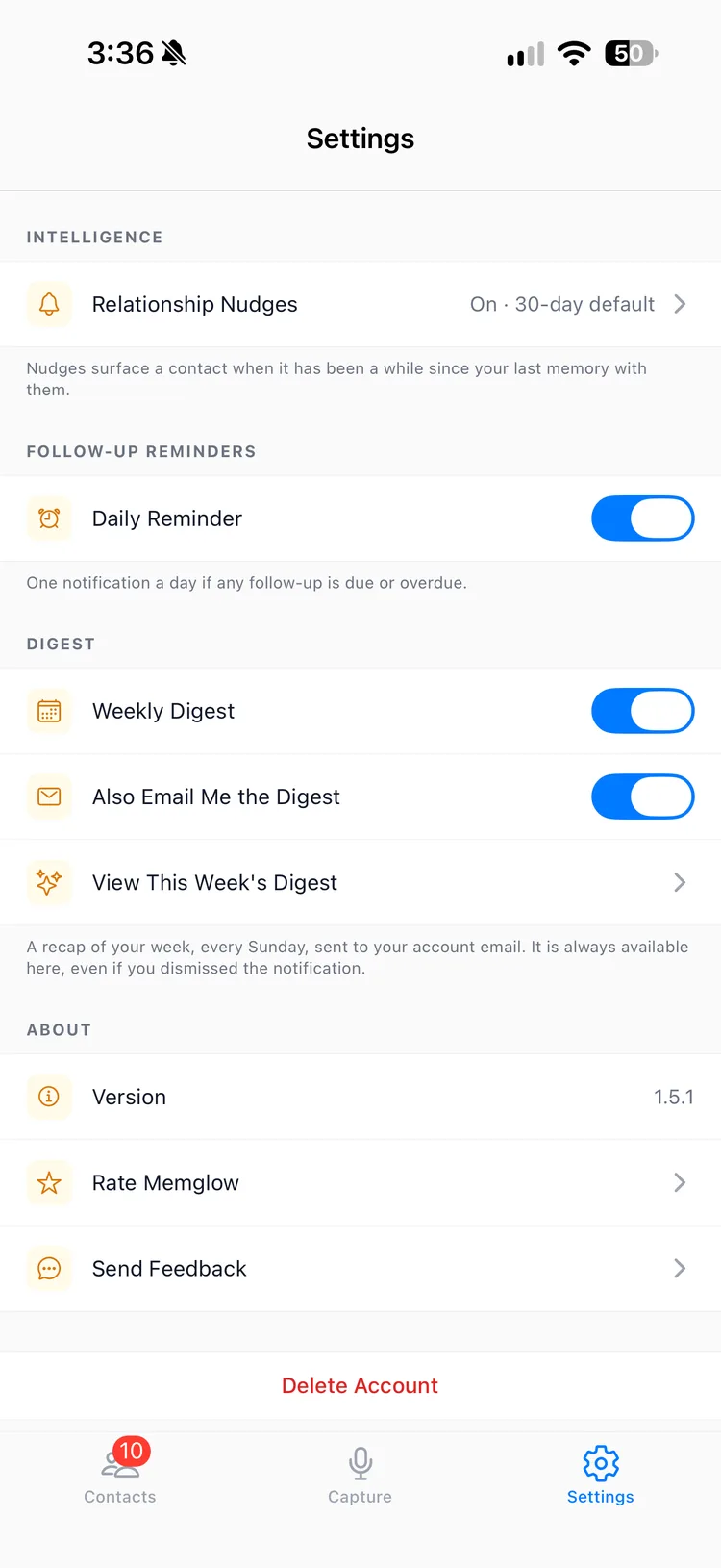
A reminder you never receive is worse than having no reminder, because you trusted it. So Settings now checks whether iOS is actually letting Memglow notify you. If notifications are off, it says so plainly and gives you a link straight to the right page in iOS Settings.
Follow ups at a glance
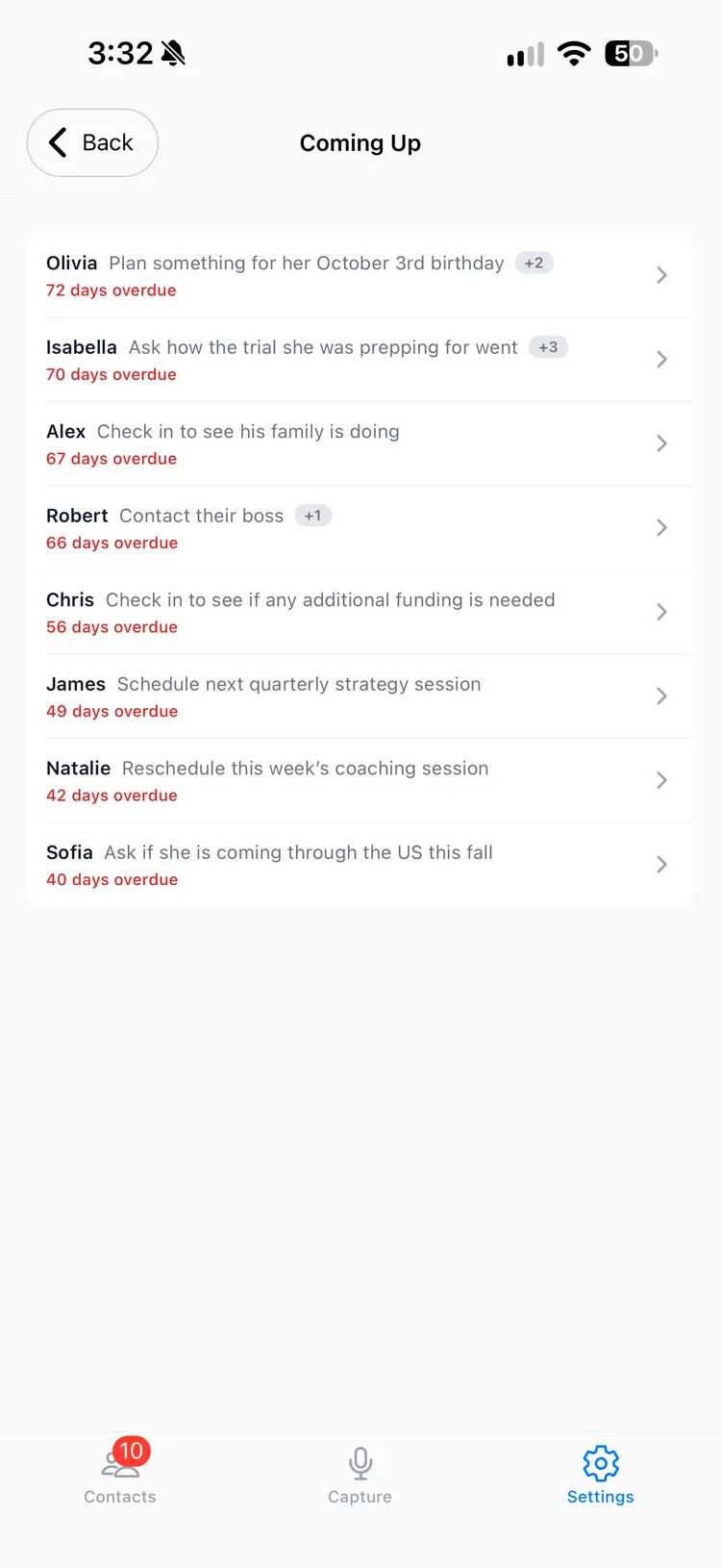
Each contact's page now shows their next three follow ups together in one card. Right below sits See all, which opens the full list with completed ones included, so you can see what you promised and what you already did about it.
The weekly digest got the same treatment. I wrote in the 1.5.0 post about Coming Up naming the actual follow up next to each person. Now it ends with a See all that opens everything ahead of you, not only what fit on the screen.
A calmer Settings
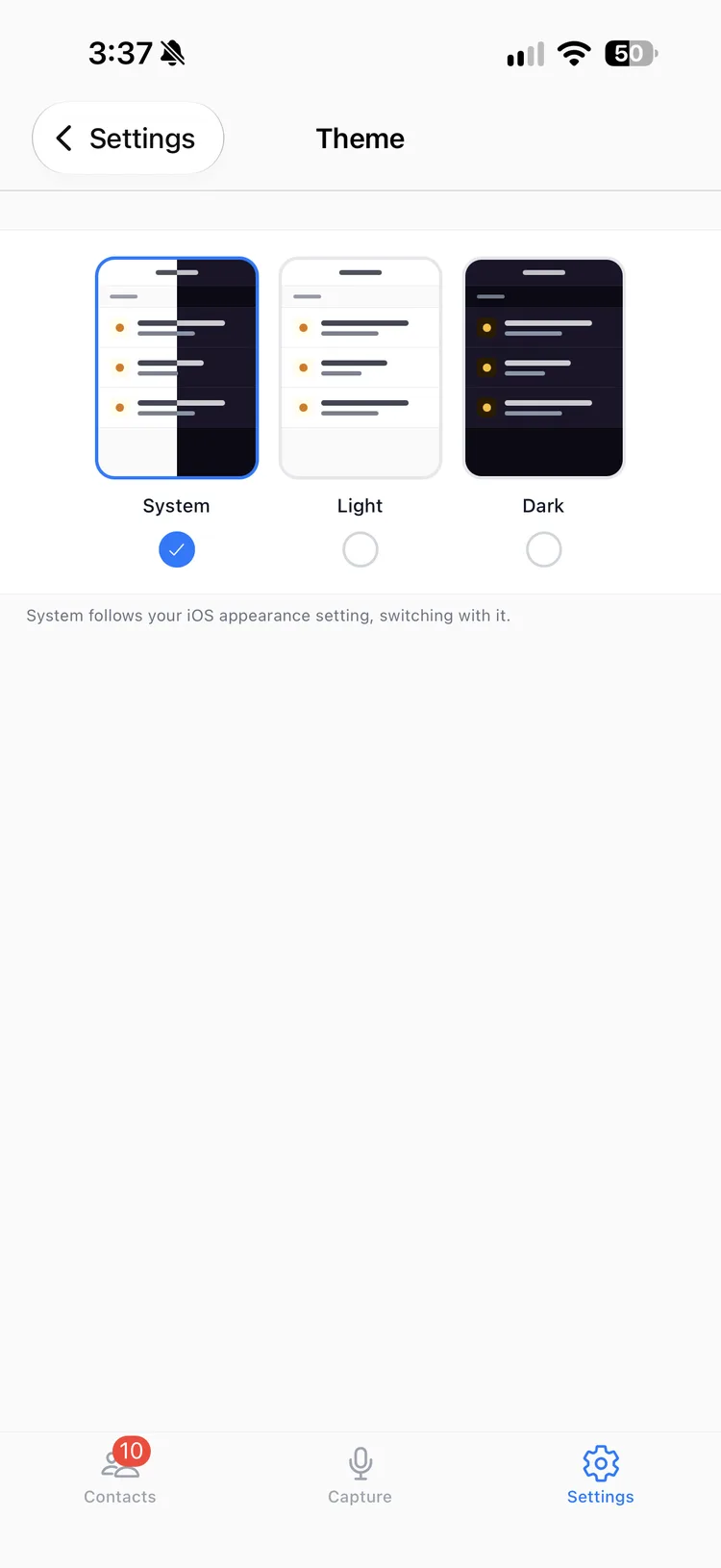
Settings had grown the way settings screens do, one row at a time, wherever there was room. It has been rebuilt with a cleaner layout. The choices about how the app looks and feels now show you rather than tell you: Theme and Capture Mode each open a visual picker, so you can see light against dark, or voice against text, before you commit.
Fixes that give you back your words
Three of the fixes deserve their own sentences, because each one cost someone something.
If you leave the app in the middle of a voice note, Memglow now stops the recording and keeps everything you said. Before, it could simply cut off, silently, and you would find out later with half a thought on the page.
Signing out now stops notifications to that device. Hand a phone down, move to a new one, and the old phone goes quiet.
And Back no longer drops you onto a review screen you already finished. Once a note is saved, it stays saved.
One housekeeping note: 1.5.1 needs iOS 17 or later, up from iOS 15.1. If your phone is on something older, you will stay on 1.5.0 until you update iOS.
Get the update on the App Store, and tell me what still gets in your way: support@memglow.ai. Start with the names. Everyone deserves to be spelled right, even in a place they will never see.